
Step 1
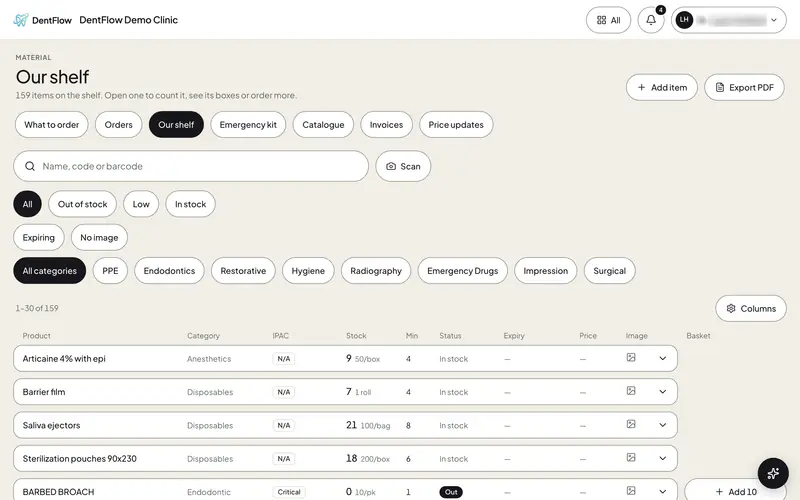
Scan or count what is on the shelf.
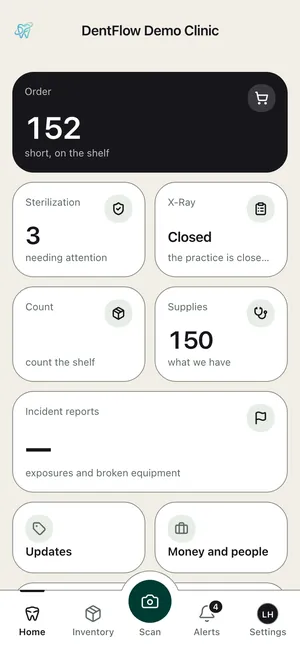
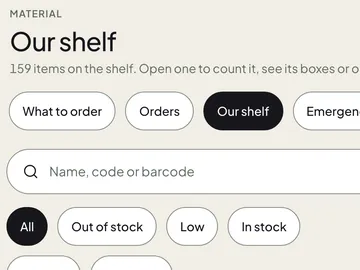
Find any item by name, code or barcode. On the phone, press Scan in the middle of the bottom bar and read the code on the box.

Step 2
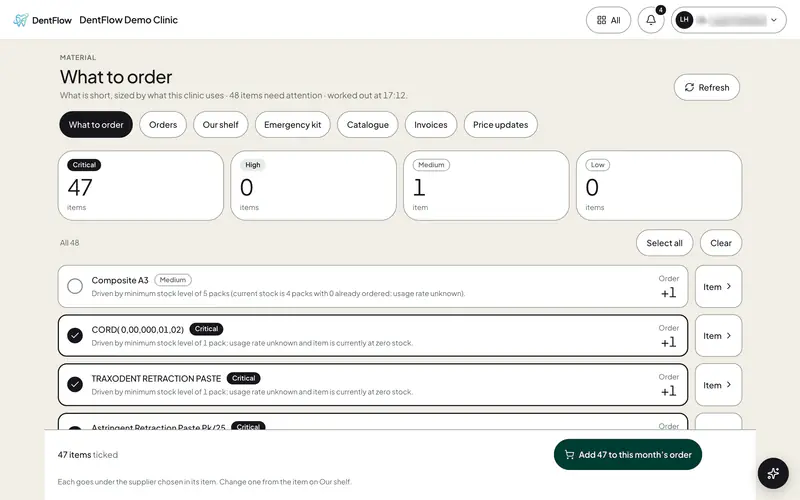
DentFlow shows what is short.
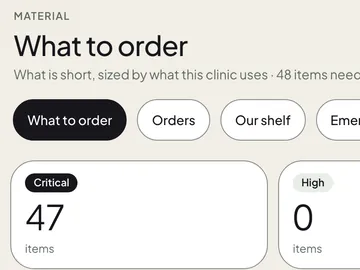
Each count is held against its minimum. What is short arrives worked out, the critical ones already ticked, each line saying why.


Step 3
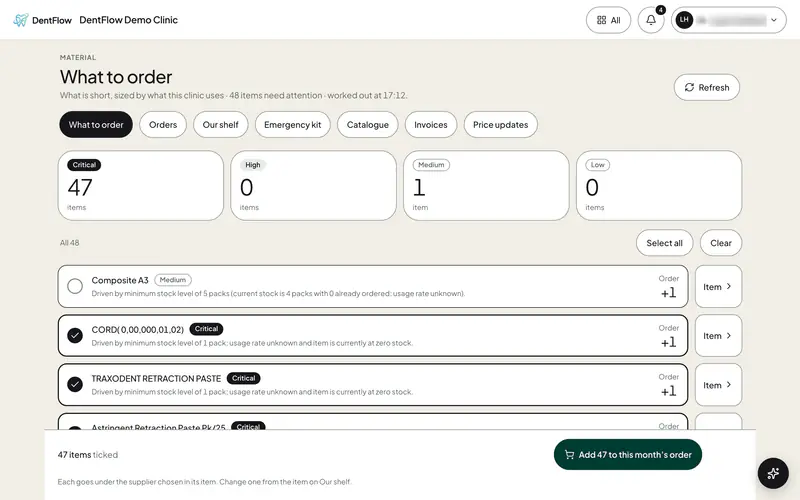
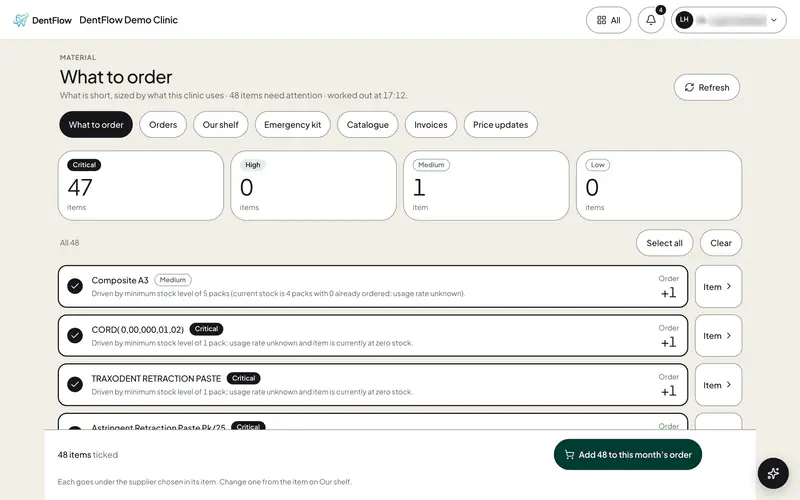
Order it in two taps.
Tick one more if you want it. One press puts every ticked line on this month’s order, each under its own supplier.




Step 4
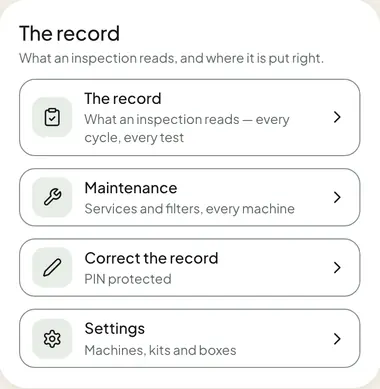
Every record is filed.
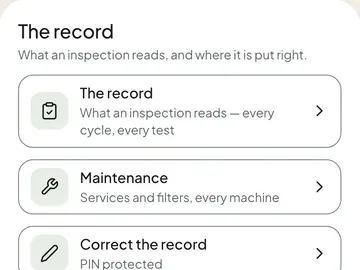
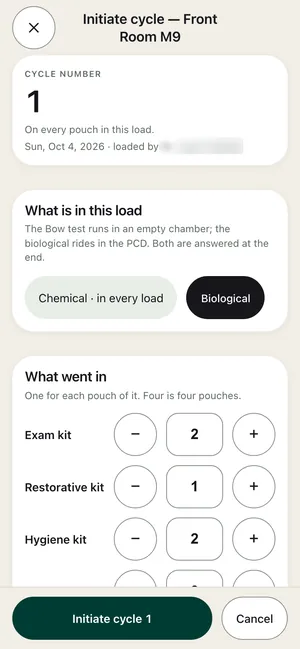
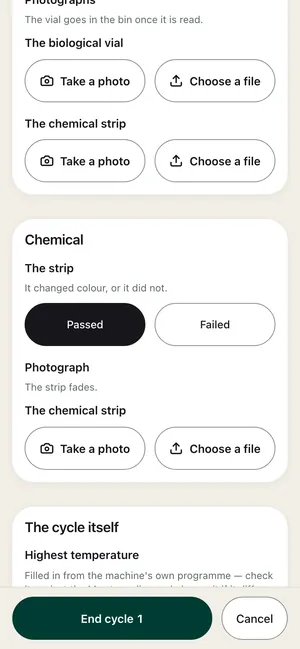
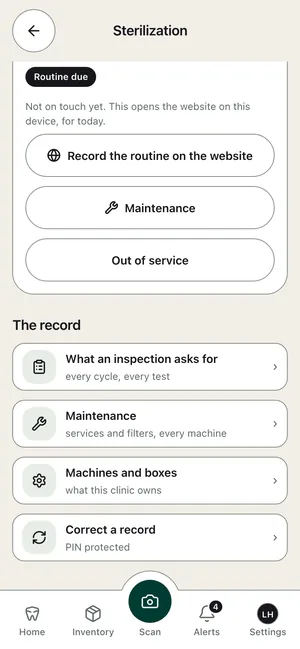
Sterilization cycles with their biological, chemical and Bowie-Dick (Bow) tests, the instrument count, the x-ray check and the daily report, each with the date and who did it.
For dental clinics across Canada
Order dental supplies in minutes. Not an afternoon.
DentFlow shows what is short and puts it on an order in two taps, and keeps the records an inspection reads.
Built for RCDSO, IPAC and PIPEDA record-keeping.
How it works
From the shelf to the order, in four steps.
Every screen on this page is DentFlow as it is today, in a demo clinic. Staff names are blurred.


Services
Everything a dental clinic keeps, in one place.
Ordering, the shelf and every record an inspection reads, on the phone, the tablet and the desk.
Ordering
What is short, ticked and put on this month’s order.
Inventory and Scan
The whole shelf by name, code or barcode, and Scan on the phone.
Sterilization records
Every cycle and every test, on the record an inspection reads.
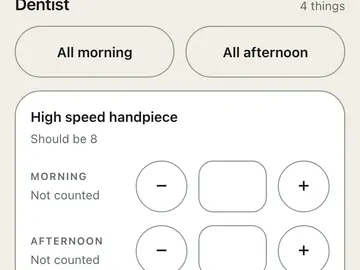
Daily check list
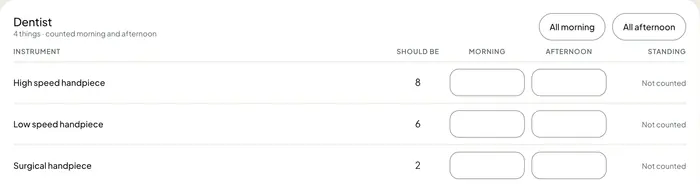
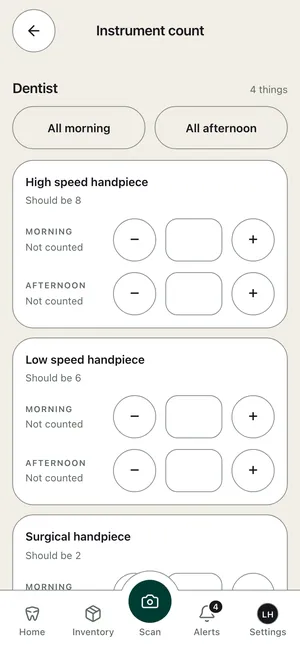
Instruments counted morning and afternoon, and the day’s duties.
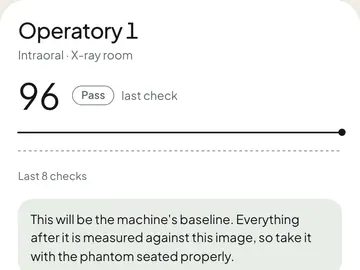
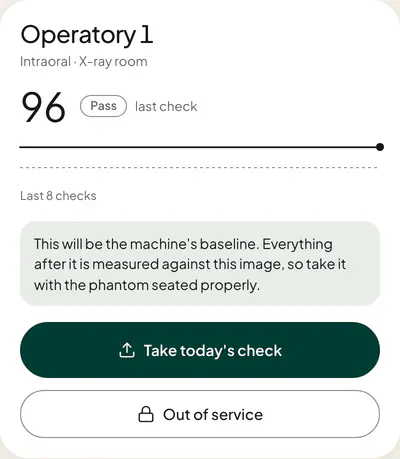
X-ray checks
One phantom image on each machine, every working day, and the HARP records.
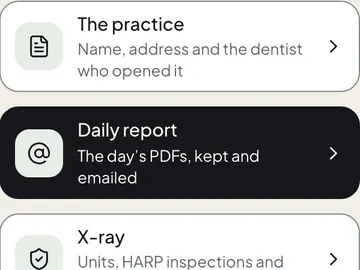
The daily report
The day’s records as PDFs, kept and emailed to the people you choose.
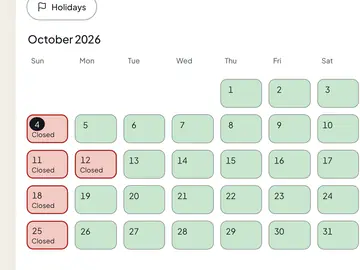
Tasks
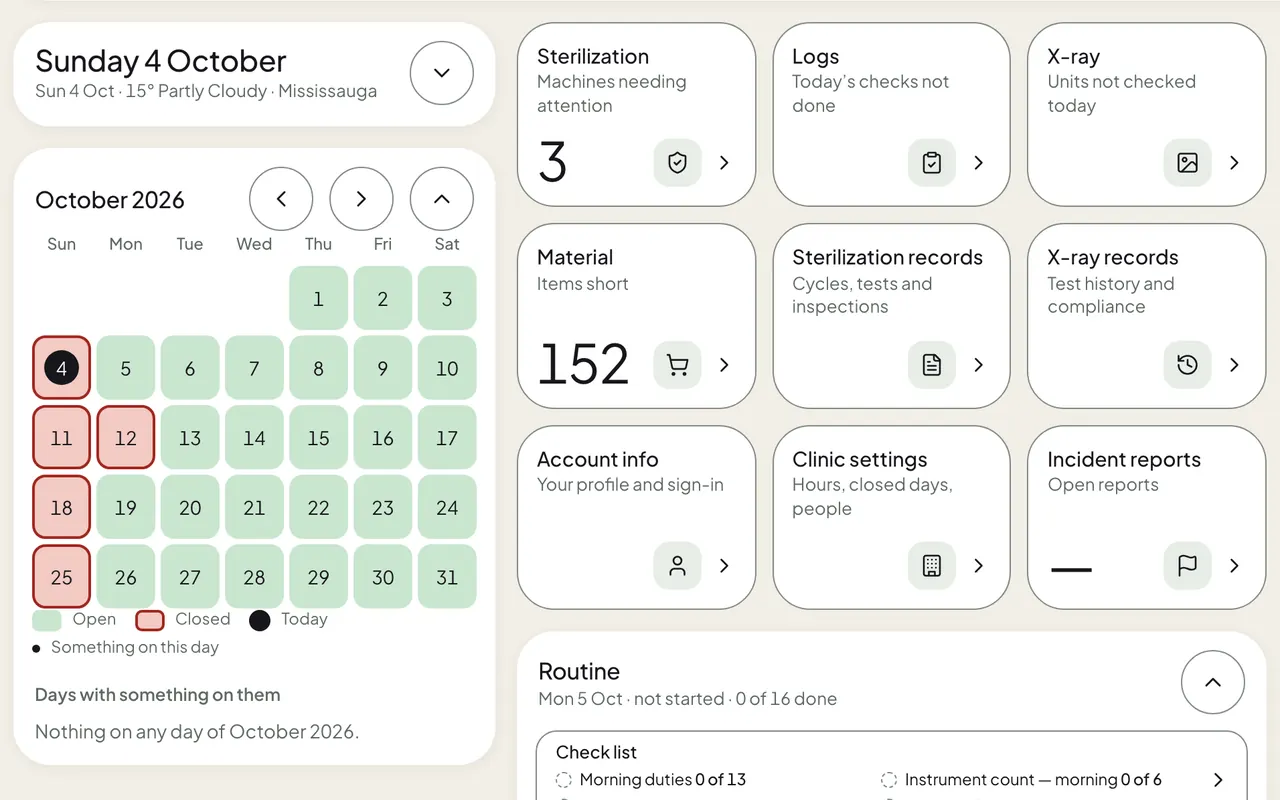
Tasks, reminders, and the days the clinic is open or closed.
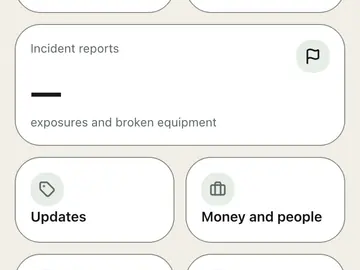
Incident reports
Exposures and broken equipment, reported and kept.
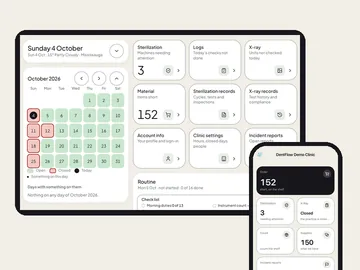
Phone, tablet and desk
The same work on every screen, with touch screens for the hand.
Why it is fast
Fewer taps. Nothing to add up.
Ordering takes an afternoon because somebody has to count, add up and type. DentFlow does the adding up and the typing.
Two taps to order
Tick, then put it on this month’s order.
Nothing to add up
Worked out from each count and minimum.
Under each supplier
Each line goes under its own supplier.
Made for a gloved thumb
Big buttons, spaced apart, on the phone and the tablet.
A name on every record
Who loaded the cycle, who counted, who set the reminder.
Your clinic’s own address
Every clinic has its own link: dentflow.ca/c/your-clinic.
Questions
Asked before every demo.
What is DentFlow?
DentFlow is supply ordering and inventory software for dental clinics in Canada. It shows what is short on the shelf, puts it on an order in two taps, and keeps the clinic’s sterilization, instrument count, x-ray and daily records in one place.
How does DentFlow know what is short?
Every item on your shelf has a count and a minimum. DentFlow holds one against the other, lists what is short with the critical items already ticked, and says on each line why it is there.
Is DentFlow for clinics in Ontario?
Yes. DentFlow is built for dental clinics in Ontario and across Canada, and for RCDSO, IPAC and PIPEDA record-keeping.
Does it work on a phone and a tablet?
Yes. A phone or a tablet opens DentFlow’s touch screens on its own: big buttons, a bottom bar with Scan in the middle, and the same words as the desk.
Which records does DentFlow keep?
Sterilization cycles with their biological, chemical and Bowie-Dick tests, instrument counts, x-ray checks, machine maintenance, tasks, incident reports and a daily report as PDFs.
Who handles our clinic’s data?
The privacy page names every company that processes DentFlow data and the region it runs in.
Contact
Talk to us.
Tell us about your clinic. We will show you DentFlow on its own screens.